Attackers are exploiting CMS vulnerabilities on websites
Using Wordpress? ASD warns attackers are still exploiting known CMS vulnerabilities on Australian websites.
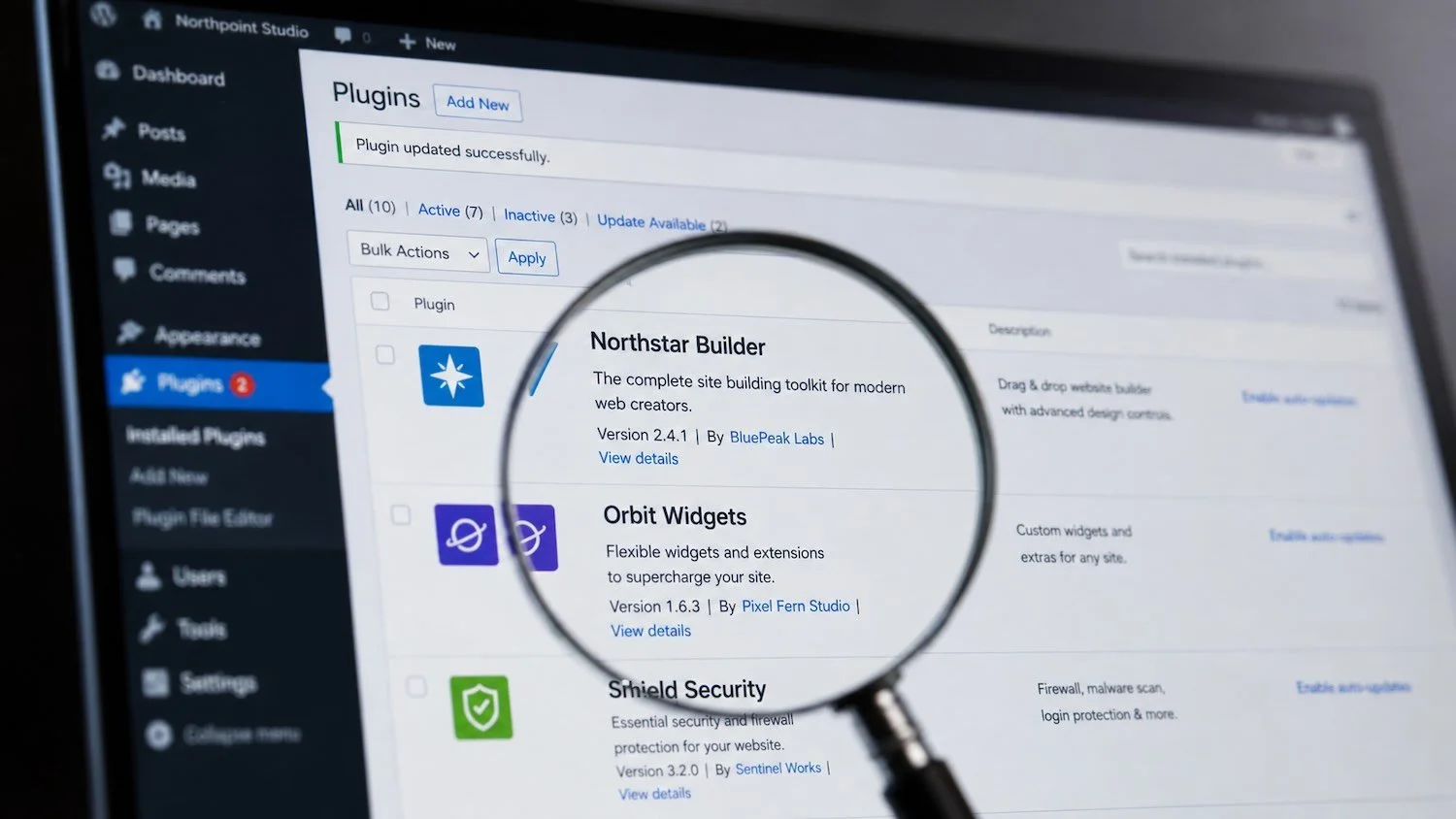
Your website looks fine. Everything loads, forms still work, blog posts are where you left them... But sitting in a folder on your server is a new file. It’s only about twenty lines of code long, so small you would gloss over it. What it does next is up to whoever put it there…
The vulnerabilities of Content Management Systems
The Australian Signals Directorate put out a critical alert in July 2026 about a campaign against website Content Management Systems (CMS). On 10 August it said the exploitation is continuing, and that many Australian SMEs have already been hit. Whether they realise it or not is another story.
What is a CMS? A CMS is the software your website runs on, usually WordPress. Joomla and Craft CMS are also being targeted. Cyber criminals run automated scans across the web looking for known flaws in CMS software and its plugins, then move on whichever sites pass their scans as vulnerable.
Once an attacker is in, they drop a ‘web shell’. That's a small script (code file) that hands an outsider remote control of your web server. From there they can capture what people type into your forms, read data on the server, or serve malware to your visitors from your own domain. If your site is hosted on an internal server, they can potentially use the server as a path into the rest of your network. The worrying part is that nothing has to look broken for any of this to be happening.
The good news is that most flaws in this latest campaign of attacks are already patched.
Plugins are the usual reason for a CMS compromise. For example: A WordPress site picks up a dozen plugins over the years, some get abandoned by the developers, others are simply neglected and not updated. Switching an infected plugin off doesn't help either, because the code is still on the server.
If your site is on Squarespace, Shopify or Wix, your exposure is much lower. Those platforms patch themselves and won't run arbitrary plugin code. Ensure that you have Multi-Factor Authentication turned on nonetheless.
Got a WordPress site? Here’s what to do
First up: Find out when the website software, theme and/or plugins were last updated.
Then proceed to delete any plugin or theme that isn't doing a job, rather than just deactivating it. Check with your web developer first, to avoid deleting anything that is critical to your site functionality.
Lastly, turn on Multi-Factor Authentication for every admin account, and remove logins for people who've left. At ShadowSafe, we often come across dormant website logins still active to ex-staff, agencies and developers.
Ask your website host whether web directories (a folder on the server where your website's files live) can be set to read-only and whether they can alert you when new files appear. Both are in ASD's guidance and both shorten how long a web shell survives.
Keep an eye out for pages redirecting somewhere odd, admin accounts you don't recognise, or strange files in your uploads folder. If you see any of it, report it internally, and with your IT/Cyber service provider.
Deleting the file you found rarely finishes the job, because web shells are usually planted in more than one place.
Are you an Australian SME looking for a strategic partner to protect your business from cyber threats and IT failures? Speak to our team on 07 3185 1777.