Cyber safety checklist for teenagers
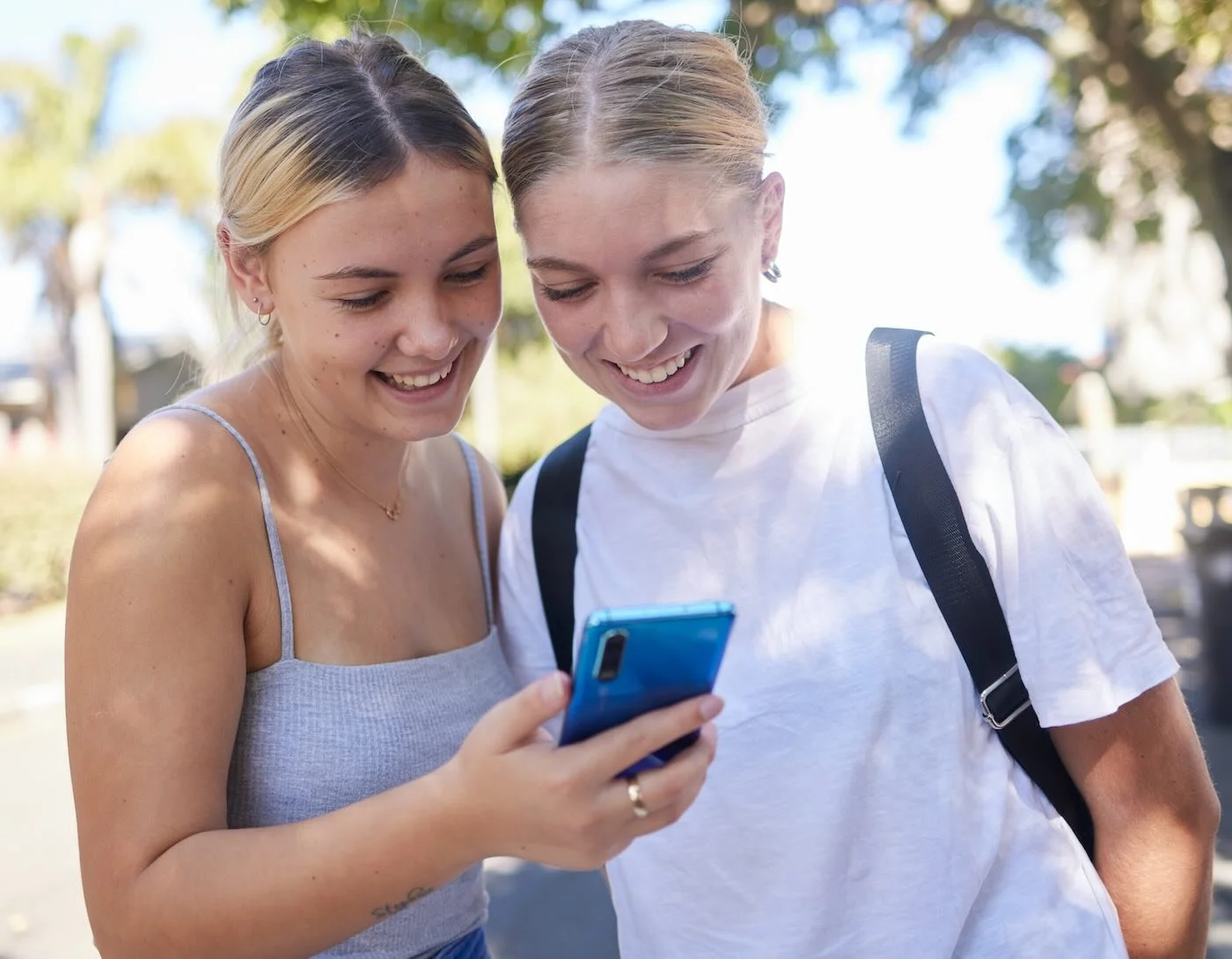
Between friends, schoolwork, and gaming, teens spend an average of 14.4 hours a week online. But having complete freedom online comes with responsibilities.
A few smart habits can make the difference between being safe online or exposing yourself, and your family.
Because their brains are still maturing, teenagers often react with emotion before reason. This can lead to snap decisions without fully considering the possible consequences.
This checklist gives tips for parents and teens to help protect themselves online, without locking them out of the digital world.
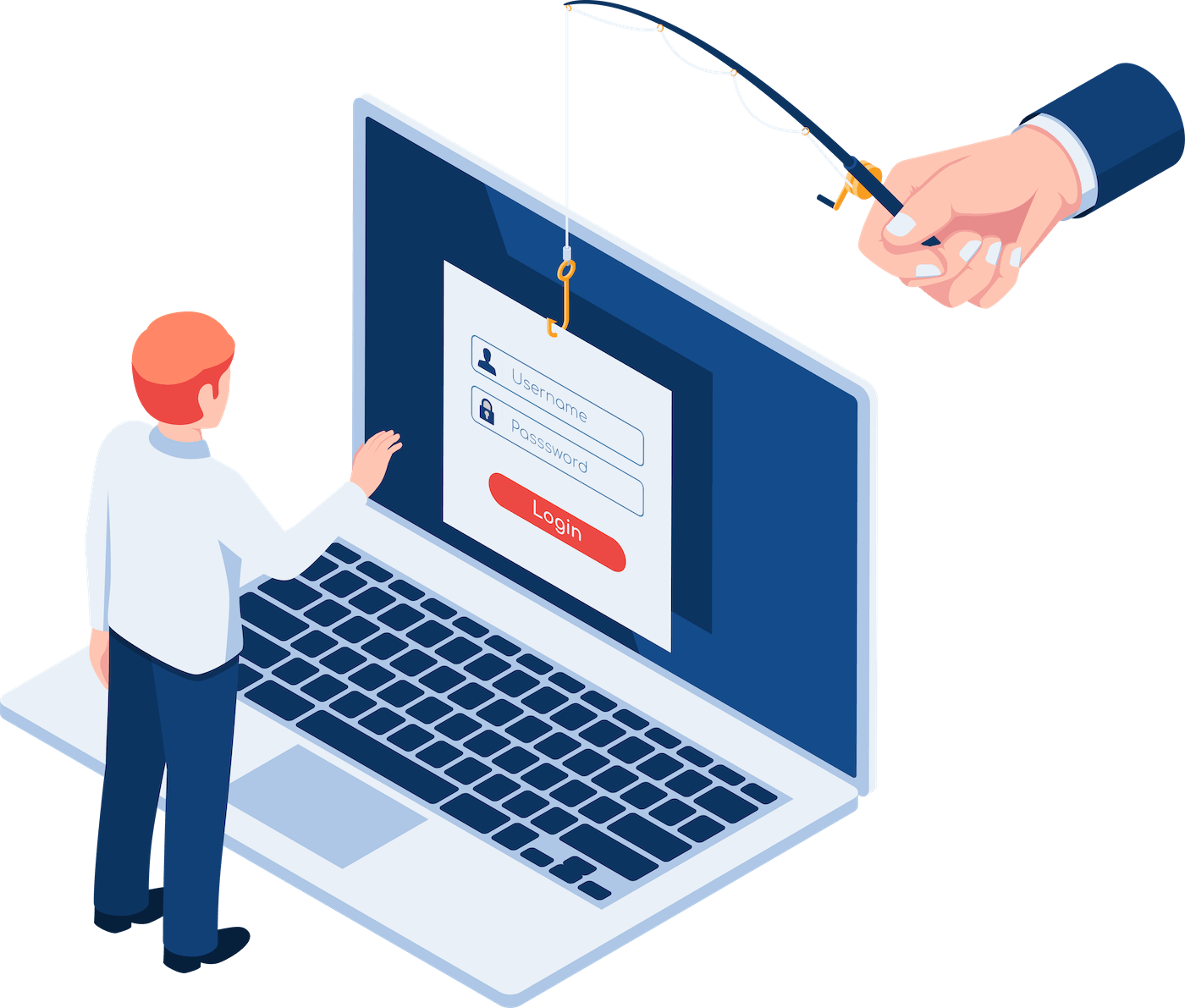
Start with the basics: Know how protect your accounts
Ask your teenager what would happen if someone got access to their Instagram or bank account. Imagine a worse case scenario. This is to help them understand the severity of protecting their accounts.
Encourage ALL your family members, no matter their age, to:
Use strong, unique passwords for every account
Turn on two-factor authentication (2FA) or multi-factor authentication
Don’t share login details with friends, even if you trust them.
Log out on shared devices.
Avoid using free WIFI in public places such as a cafe.
Think before you share something
Sharing lots of personal information online will only cause more headaches for your teenagers in the future as they go into adulthood. Especially with AI, more personal data is being crawled across the web and could be used against them in the future for phishing or impersonation attacks.
Help them understand the importance of:
Avoiding posting personal information like your home address, school, phone number, or where you hang out.
Be careful with photos and videos, as they can reveal your location, routines, or private life.
Once something is online, you can’t fully take it back.

Help them stay scam‑smart
Scams are everywhere and tech-savvy teens are not immune to them.
Remember these golden rules:
Don’t click on random links from DMs, emails, or comments.
Watch out for fake giveaways, job offers, or “too good to be true” deals.
If a message feels urgent or emotional, pause before you act.
Verify suspicious requests directly with the person or organisation.
Keep your devices secure
A phone or laptop is like a digital front door to your teen’s life. Keeping it updated and protected is just as important as locking the front door at night.
Help your teens:
Keep devices updated with the latest software and security patches.
Install web-based antivirus software on computers
Back up your important files and photos.
Manage your online footprint
What your teen posts today could still be searchable years from now, by future employers, schools, or strangers. Regularly checking privacy settings and cleaning up old accounts helps control what’s out there online.
Action items to do with your teens:
Review your privacy settings on social media regularly.
Remove old accounts or content you no longer want public.
Search your own name online occasionally to see what’s out there.
Use an alias or nickname for public gaming profiles.
Important: Check Snapchat location settings
Snapchat’s Snap Map can show a user’s live location to friends, or, if not set up safely, to more people than intended.
Open Snap Map in Snapchat.
Tap the gear icon to open location settings.
Choose Ghost Mode (best for privacy), or Only These Friends to limit location sharing.
Avoid My Friends if your teen or child has lots of online‑only contacts.
If live sharing is used, keep it short — 15 minutes is safer than 8 hours.
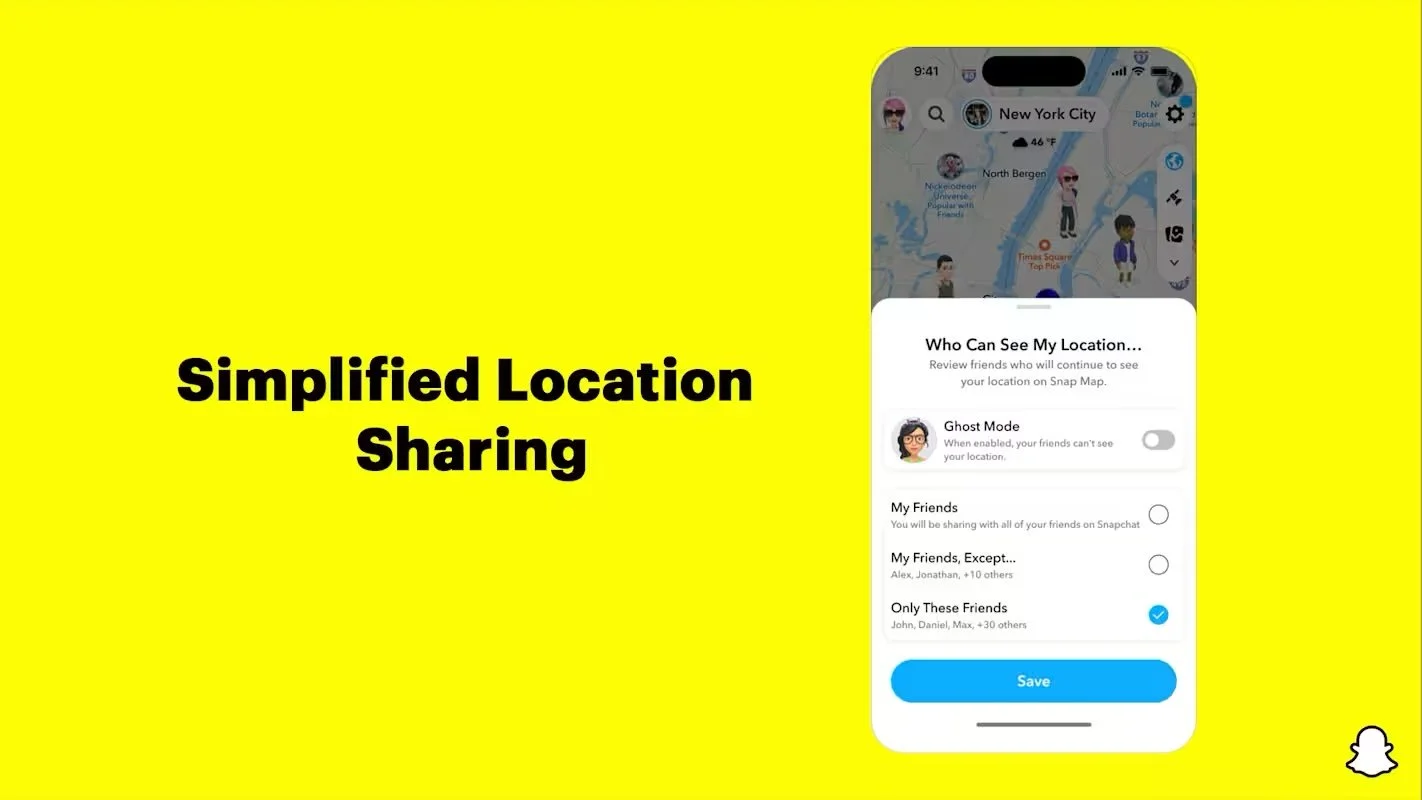
Source: Snapchat
Lastly, let them know they are not alone
If they receive a threatening or creepy message, don’t engage. Block and report it. If your teen experiences bullying or harassment, encourage them to talk to you about it. Hiding it can prolong the harm on them. In the case of harassment, you may need to keep evidence (screenshots etc) before deleting.
Cyber bullying is a growing problem in Australia. One in five Australians experience cyber bullying, and three deaths from suicide are attributed to cyber bullying per week.
Being cyber‑safe isn’t about avoiding the internet, it’s about using it wisely.
Encourage your teens to run through this checklist with you and talk openly about what they see and experience online. The more confident they are in spotting danger, the safer they’ll be.
Further Reading: Cyberbullying and teenagers - Torrens University
You’ve been reading a FamilySafe Guide. Access more free tools and resources here.
Presented by ShadowSafe | Brisbane-based cyber security & IT firm.