Roblox, Minecraft and game server safety for kids

Roblox and Minecraft are hugely popular games with Aussie kids. They’re fun to play and encourage creativity, but these games are also a gateway to millions of other unknown players globally. And not all players have good intentions.
Without the right settings and supervision, kids can be exposed to inappropriate chat or content.
This guide gives you a practical, 3‑step approach to set up your kids accounts securely, control where and how your kid plays, and keep gaming a safe, positive experience for them.
1. Set up accounts and controls the right way
Start with a secure login, a safe profile, and lock‑down account settings from day one.
Create or update your child’s Microsoft/Xbox Live and Roblox accounts together, using accurate age settings so that the built‑in safety filters apply.
Pick usernames that don’t reveal personal info and use a parent‑monitored email.
Roblox: Link a parent account, enable account restrictions, block chat or limit to friends, set friend request permissions, enable 2FA, and add a PIN to prevent settings changes.
Minecraft: Use Microsoft Family Safety to control multiplayer, chat, and Realms access. Keep Chat to friends only or turn off completely for younger kids.
Require approval for in‑game spending and set limits.
2. Control where and how they play
Ensure your kids play on safe servers, chat to real friends, and buy content from verified marketplaces.
Prefer private worlds or Minecraft Realms for multiplayer, whereby you control the invite list.
If using a public server, research family‑friendly, moderated ones with whitelist access and clear codes of conduct.
For game mods, only use official marketplaces or well‑known creators. Scan downloads with antivirus software.
Teach your kids to avoid clicking unknown links in chat and to block/report inappropriate players immediately.
Explain why they should never share real names, school, suburb, or daily routines online, even with “friends” they’ve only met in‑game.
3. Keep it supervised and ongoing
Play together, keep talking, and check settings regularly.
Play together (occasionally) with your kids to see the game environment and who they’re interacting with.
Ask open‑ended questions: “Who’d you play with today? Anything weird happen?”
Do regular settings checks. Roblox and Minecraft updates can change privacy defaults.
Encourage them to tell you if something makes them feel uncomfortable or pressured.
Review and adjust time limits and spending permissions as they grow and become more responsible.
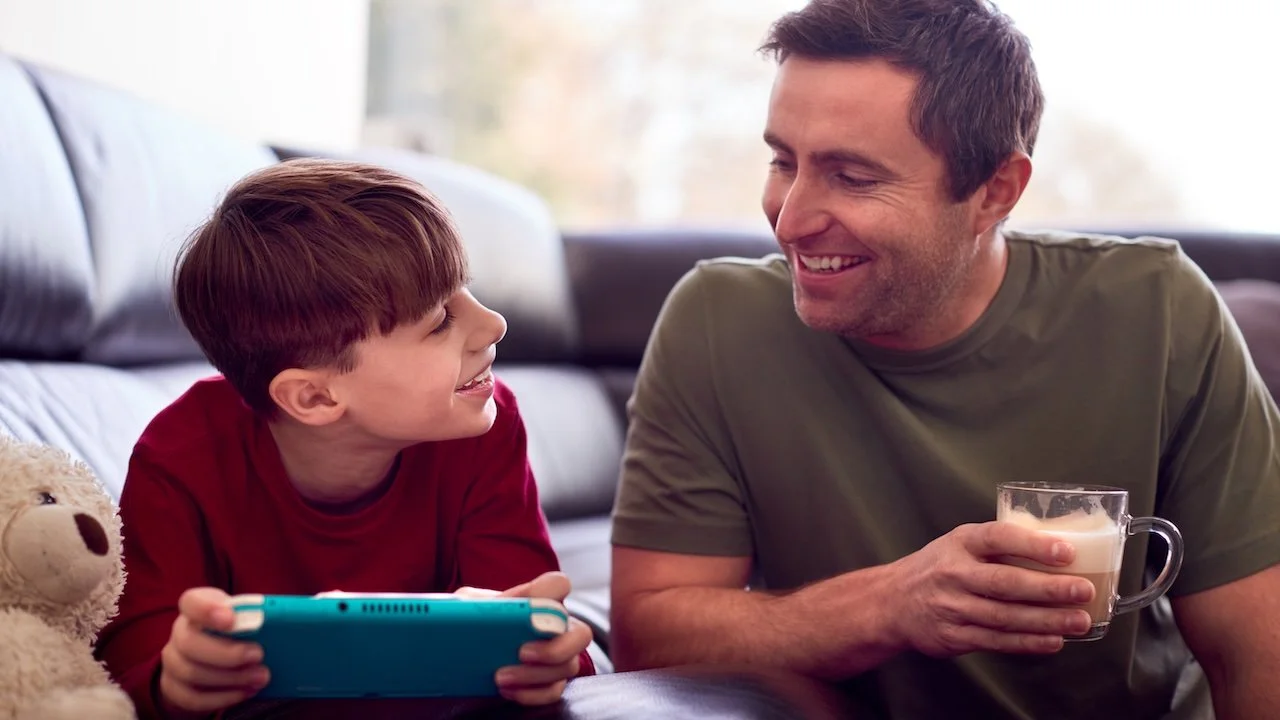
A final tip: Make “checking in” a normal part of gaming, not just a rule when something goes wrong.
If your child wants to join a new server, add a friend, or install a mod, have them ask or tell you first. It’s easier to set boundaries in advance than to fix problems later.
Roblox and Minecraft can be incredible spaces for creativity, learning, and connection. By setting account controls, choosing safe servers for them to play, and staying engaged in their gaming world, you’re giving them the skills and awareness to enjoy these games without the risks.
Safe gaming isn’t about limiting their fun, it’s about making sure the fun lasts!
You’ve been reading a FamilySafe Guide. Access more free tools and resources here.
Presented by ShadowSafe | Brisbane-based cyber security & IT firm.