Cyber Checklist for Overseas Travel

Are you travelling for work? Need access to work emails overseas?
If your business uses a cyber security policy known as Conditional Access, signing into your Microsoft 365 account from overseas might not work.
Your security policies are doing exactly what they're supposed to: blocking logins from unexpected countries.
To keep a safe and smooth connection to your work systems while travelling abroad, here’s what to sort before you go:
Inform your IT service provider
If your business has Conditional Access enabled, make sure your IT provider updates the policy before you leave. Without this, your account will be blocked the moment you try to log in from an unfamiliar location.
For ShadowSafe clients, let us know you're travelling by submitting a quick travel notification via our Support Hub. Include who's travelling, where you're heading (including any stopover countries), and your departure and return dates. Our team will authenticate your request and adjust your policy.
What is Conditional Access?
It's a security rule that only lets you sign into your work accounts from approved locations and devices. Most cyberattacks come from overseas sources, not within Australia. If someone in another country tries to log in as you, Conditional Access rules will block it.
Now that you’ve sorted access, here’s some tips to protect your data and identity:
Tell your bank
Most banks will flag overseas transactions the same way your IT security flags overseas logins. Login to your banking app and inform them that you’re travelling. Keep an eye on your daily overseas transactions and limits while you're abroad.
Update your software before you leave
If you don’t already have automatic updates enabled by default, run all software updates while you're still on a trusted network at home. This includes your laptop operating system, your phone, your browser, and any work apps like Teams or Outlook.
Software updates often include security patches. Running outdated software on an overseas network is asking for trouble.
Use a VPN and avoid public Wi-Fi
Airport Wi-Fi, hotel Wi-Fi, cafe Wi-Fi all convenient, but risky. Public networks are a common target for attackers looking to intercept your traffic. That includes login credentials, emails, and anything else you send over the connection.
Always have a VPN when travelling. It encrypts your connection so that even on an open network, your data stays private. If your business doesn't have a VPN solution yet, ask your IT provider to set one up before you go.
Where possible, tether to your phone's mobile data instead. Consider purchasing an overseas data roaming pack or additional eSim.
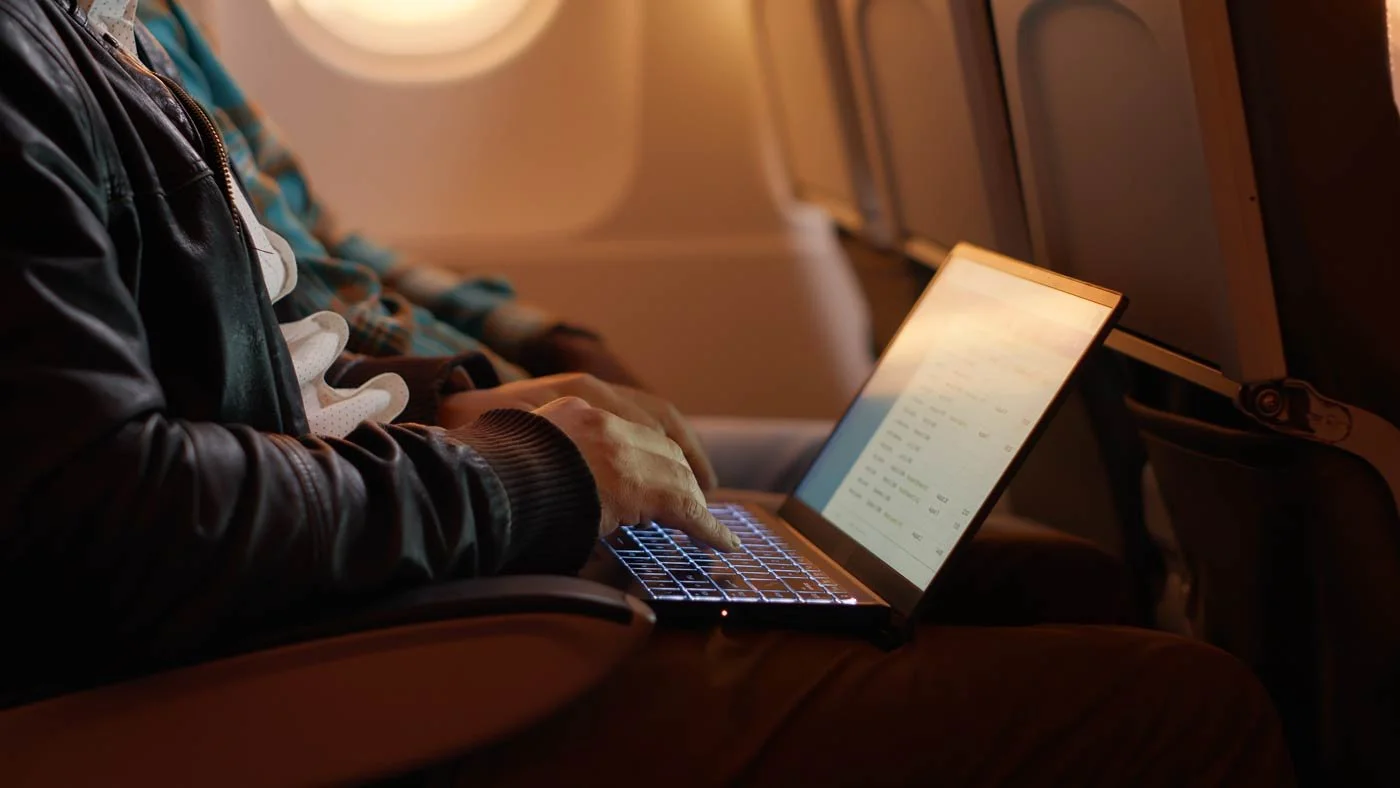
A heads up on plane Wi-Fi: even if your Conditional Access policy has been updated, in-flight connections route through servers in different countries. Your device may not know where it is, and your security policies might block you anyway. Consider downloading files to work in offline mode. Or use the flight to catch up on a movie or a book!
Be cautious and back up your data
Devices get lost, stolen, or damaged on trips more than anywhere else. Expect that there's a chance you could lose one of your devices and plan accordingly.
Make sure anything important is synced to the cloud and not living on your local devices. Check your backups are current and accessible before you leave. If your laptop disappears at airport security, you want to lose the hardware, not the data.
Save your emergency contacts offline
If something goes wrong overseas, you need a way to reach the right people without relying on the device or account that's causing the problem.
Save your key contacts somewhere you can access offline, such as a note on your phone or the front page of your physical diary/journal. Know who to call if you get locked out, lose a device, or run into something suspicious.