How to talk to your kids about online strangers

Online stranger danger isn’t just about creepy chat rooms anymore.
Games, apps, YouTube comments, forums… There are so many ways in which children connect and share online. And while the platforms change, the risk stays the same. Someone your child doesn’t know could be trying to earn their trust, attention, or worse, their personal information.
As parents, we teach our kids not to talk to strangers in real life. But in the digital world, the lines are blurrier. A “stranger” might look like a teammate in Roblox, a helpful friend on Discord, or a funny commenter on TikTok.
It’s never too early to talk about online safety
It’s never too early to talk about online safety. It doesn’t need to be an awkward or scary topic to bring up with your children.
You can introduce ideas by saying things like:
“Not everyone online is who they say they are. Just like in real life, it’s important to be careful about who we talk to.”
Keep your tone calm and curious. The goal is to keep communication open so your child feels comfortable coming to you when something doesn’t feel right.
Here’s some tips on how to help your kids spot the difference, trust their instincts, and stay safe online.
Define what a ‘stranger’ means online
Many kids think a stranger is someone creepy-looking or mean. But online, strangers often seem friendly and fun.
Help your child understand:
A stranger is anyone they don’t know in real life, even if they’ve chatted with them 100 times online.
Just because someone knows their name or interests doesn’t make them safe.
People online can pretend to be kids, even adults pretending to be 10 years old.
Teach the golden rule: don’t share personal info
Here’s what “personal info” includes (even if it doesn’t feel personal to a child):
Full name
School, suburb, sports team
Birthdate
Passwords
Photos or videos that show where they live, what they look like or what school they go to
Even nicknames or pets can give away more than you think. Encourage them to use avatars, nicknames, and generic usernames that don’t tie back to their identity.
Keep devices in shared spaces
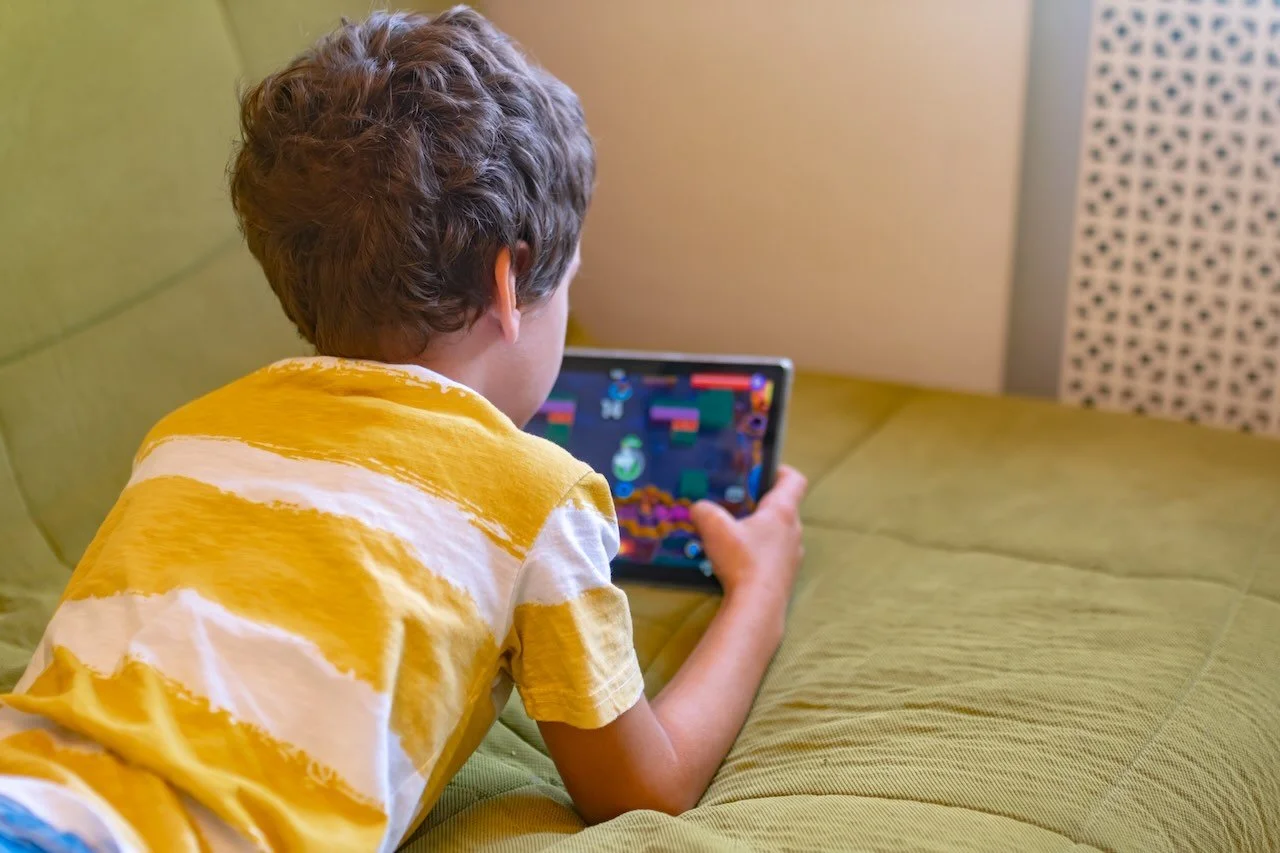
You don’t need to watch over their shoulder. But having screens in visible spaces (like the living room or kitchen bench) helps create a culture of openness.
Restricting devices in bedrooms at night can also help keep your children safe, and ensure a good night’s sleep.
Use parental tools, but don’t rely on them alone
Parental control apps, device restrictions, and safety filters are helpful, but they’re not foolproof. The relationship and trust you have with your children is the most important factor.
Parental controls can include:
Family pairing on TikTok
YouTube Kids filters
Parental controls on Apple devices
But pair them with regular conversations and check-ins. Ask:
“Who did you talk to today online?”
“Did anything weird or funny happen in your game?”
Keep the door open
Your child might accidentally talk to someone dodgy online. That’s not failure, it’s a chance to learn. Reassure them that they won’t get in trouble for telling you something. You’d rather they come to you early than hide it out of fear.
Say things like:
“If anyone ever makes you feel uncomfortable, you can always tell me.”
Online strangers are part of the digital world. Helping your children understand the importance of guarding their privacy online at an early age will help them navigate their digital spaces with confidence.
Remember, goal is connection, not control. When your child knows they can talk to you, they’re already safer.
You’ve been reading a FamilySafe Guide. Access more free tools and resources here.
Presented by ShadowSafe | Brisbane-based cyber security & IT firm.